About

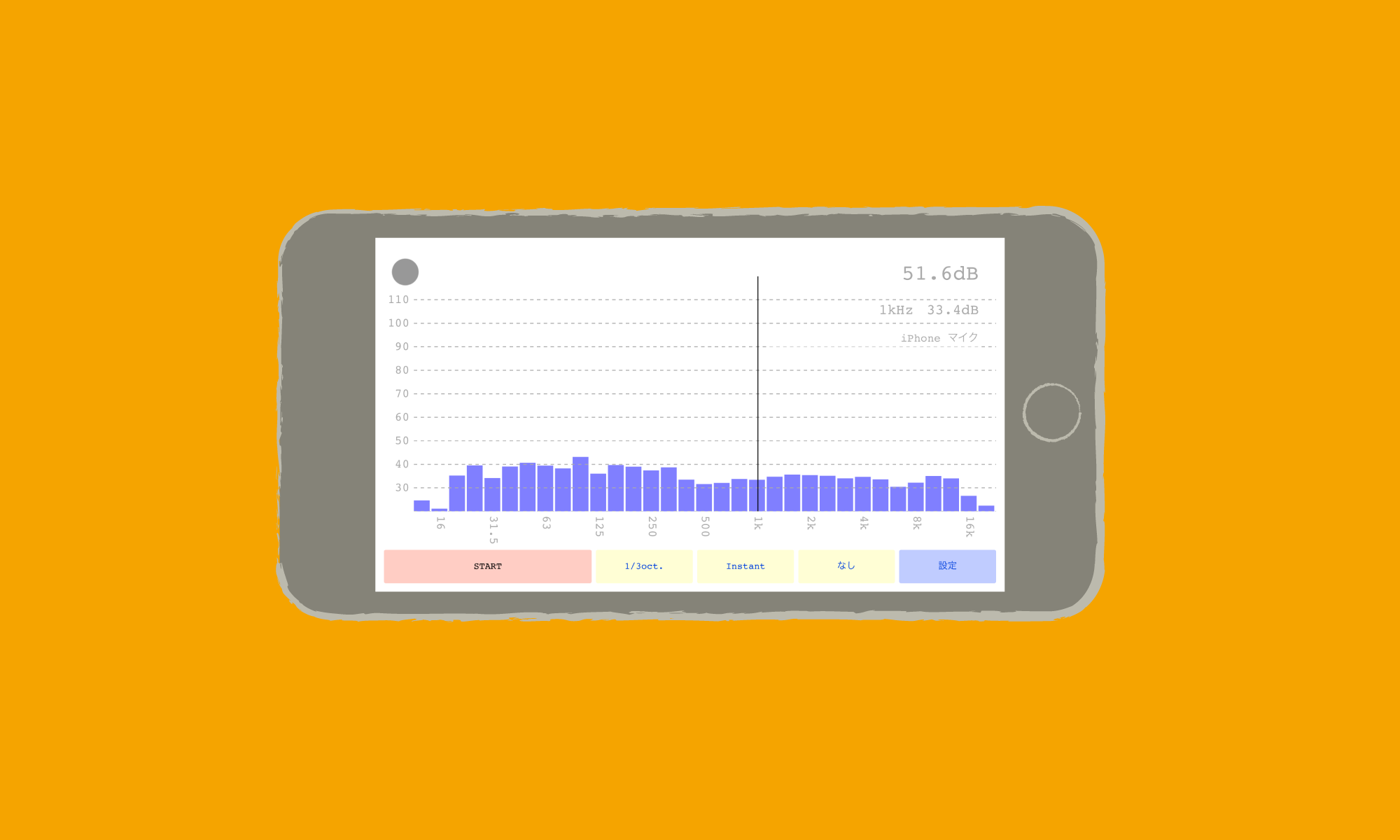
mimigar FFT is a real-time FFT analysis app. It performs real-time FFT analysis on audio input from the microphone and displays the frequency spectrum.

Features

  • Microphone calibration
  • Time constant / Time averaging
  • Frequency range setting
  • Log/Linear scale switching
  • Clip detection
  • Selectable FFT points (512–32768)
  • Window functions (Rectangular, Hann)

Platforms

  • iOS
  • Android (Coming Soon)

Main View

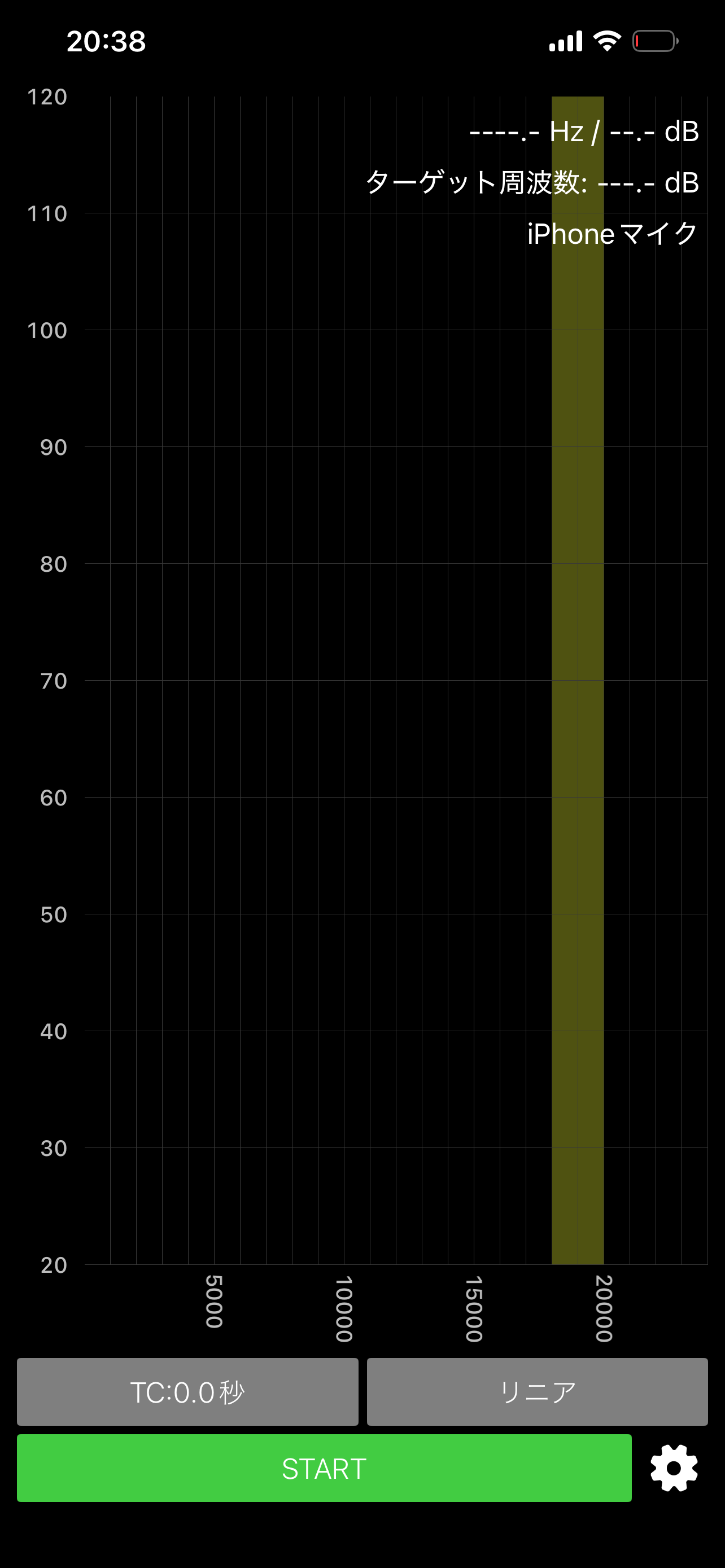
Main View (Start)

Press START to begin measurement. The horizontal axis shows frequency and the vertical axis shows power level (dB). The target frequency band is highlighted in yellow.

Linear Scale

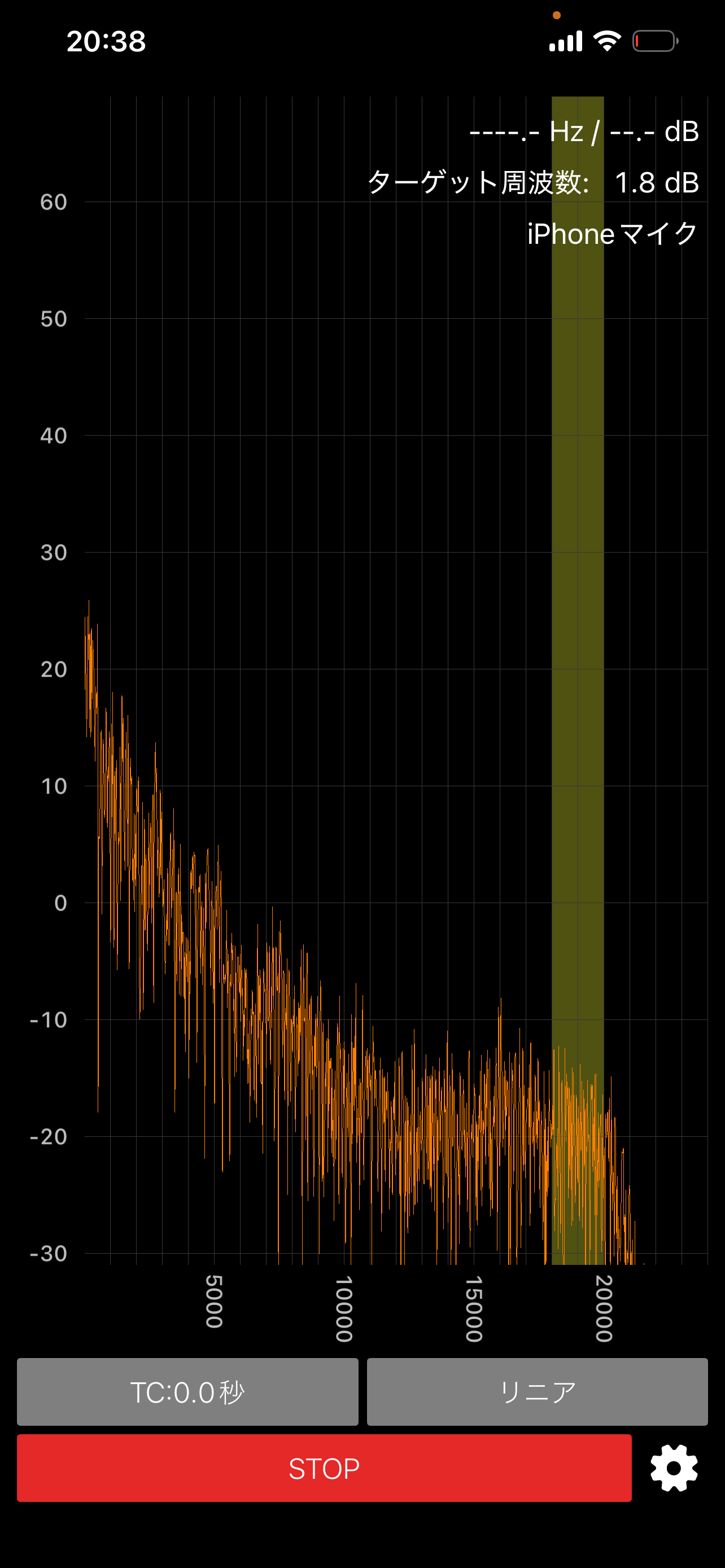
Linear Scale (Instant)

In linear scale mode, the frequency axis is evenly spaced. The 18-20kHz band, set as an example, is highlighted with a yellow band.

Log Scale

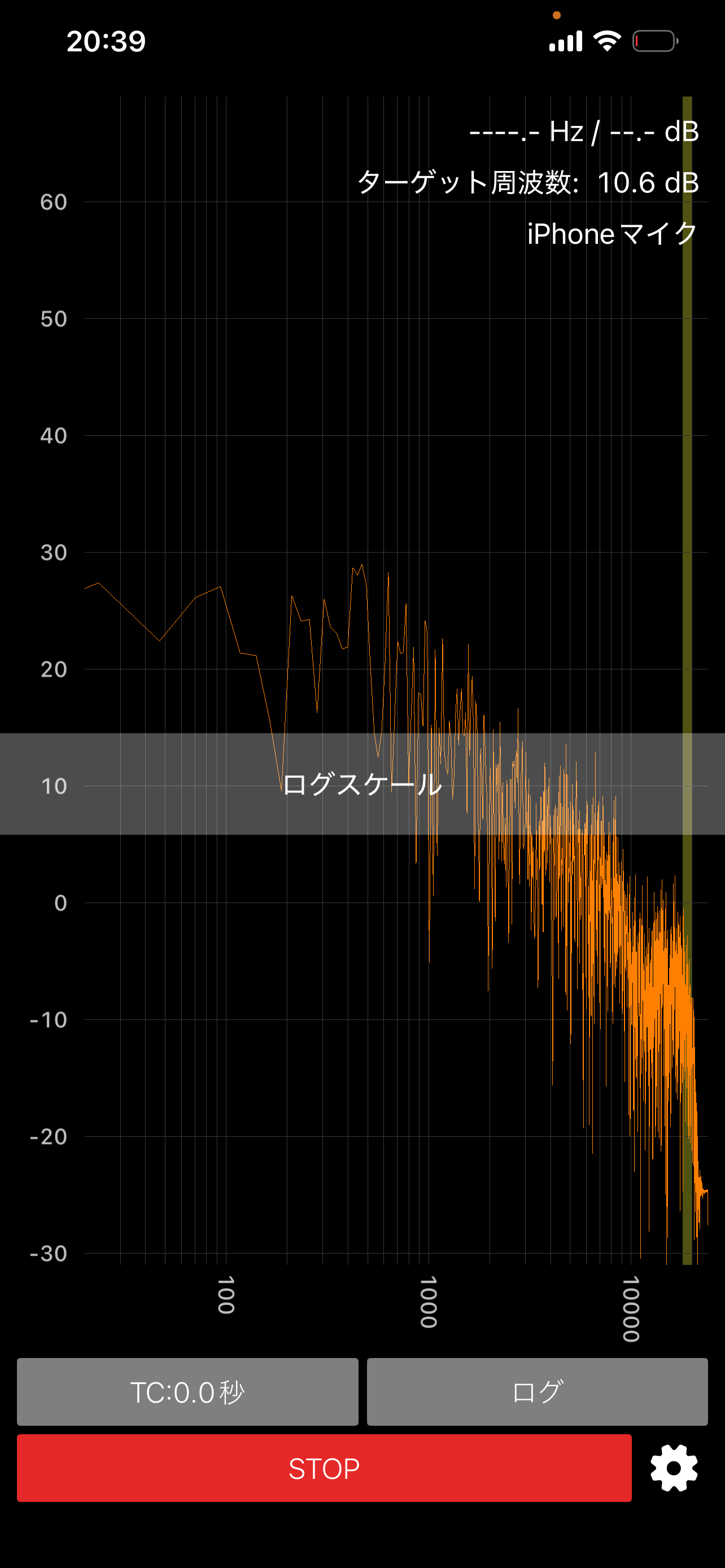
Log Scale

Log scale provides better resolution in the low frequency range, making broadband characteristics easier to read.

Time Constant Comparison

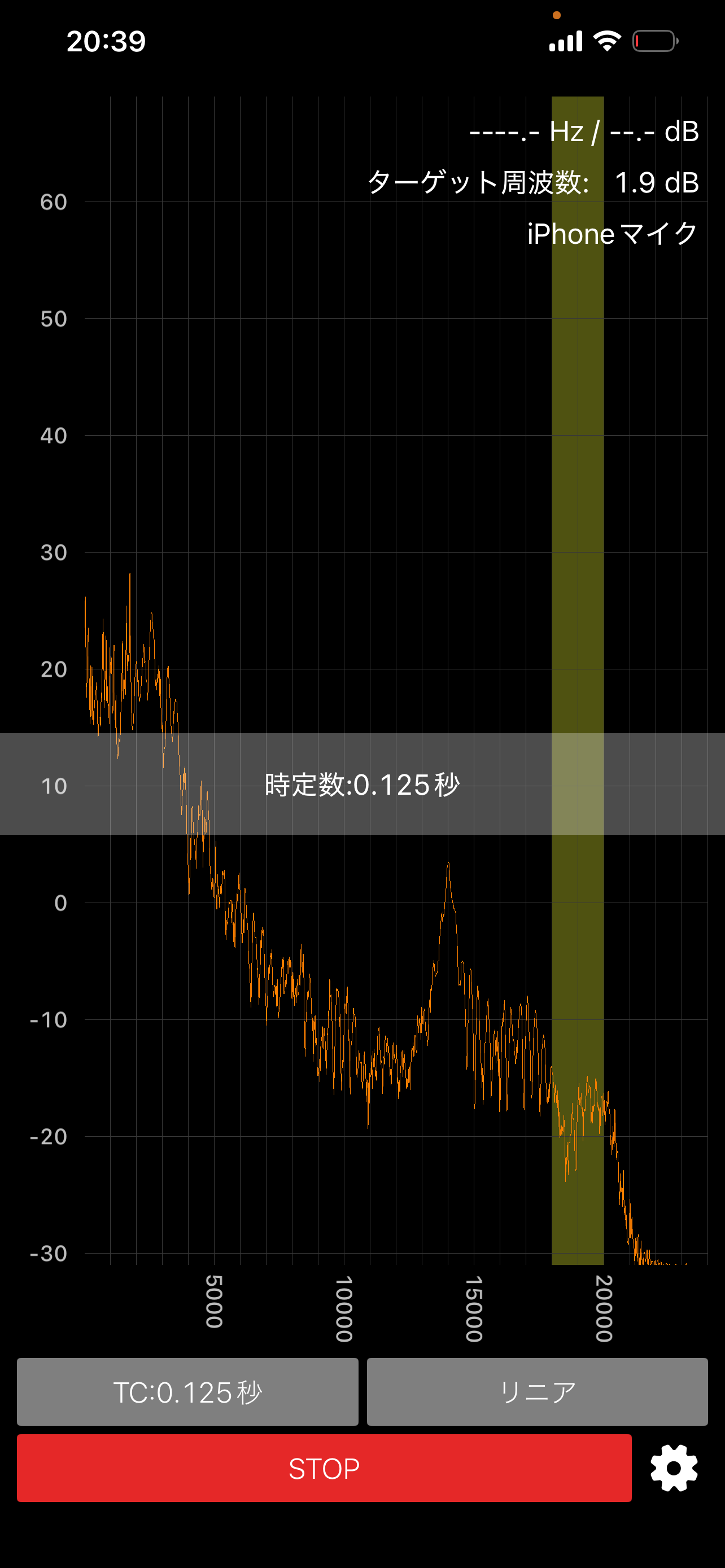
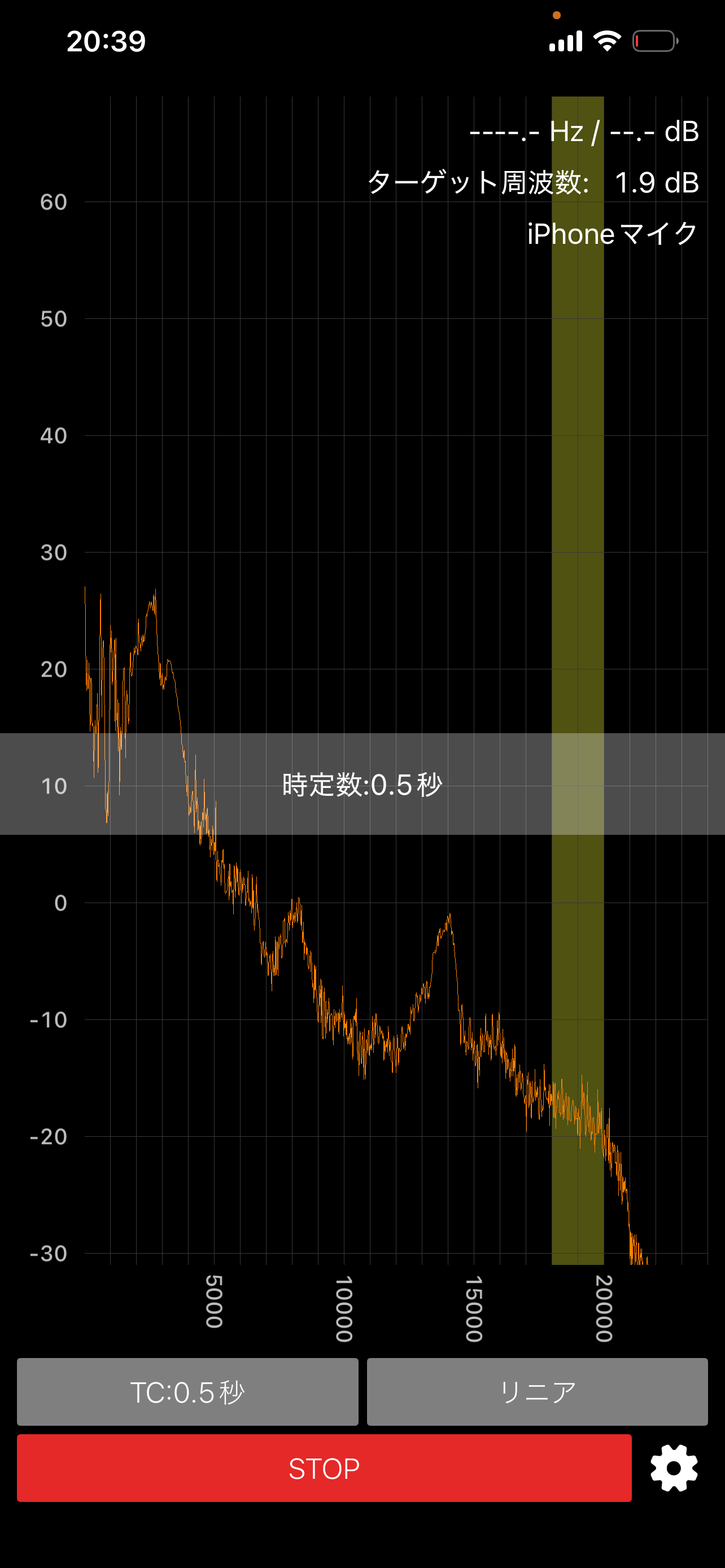
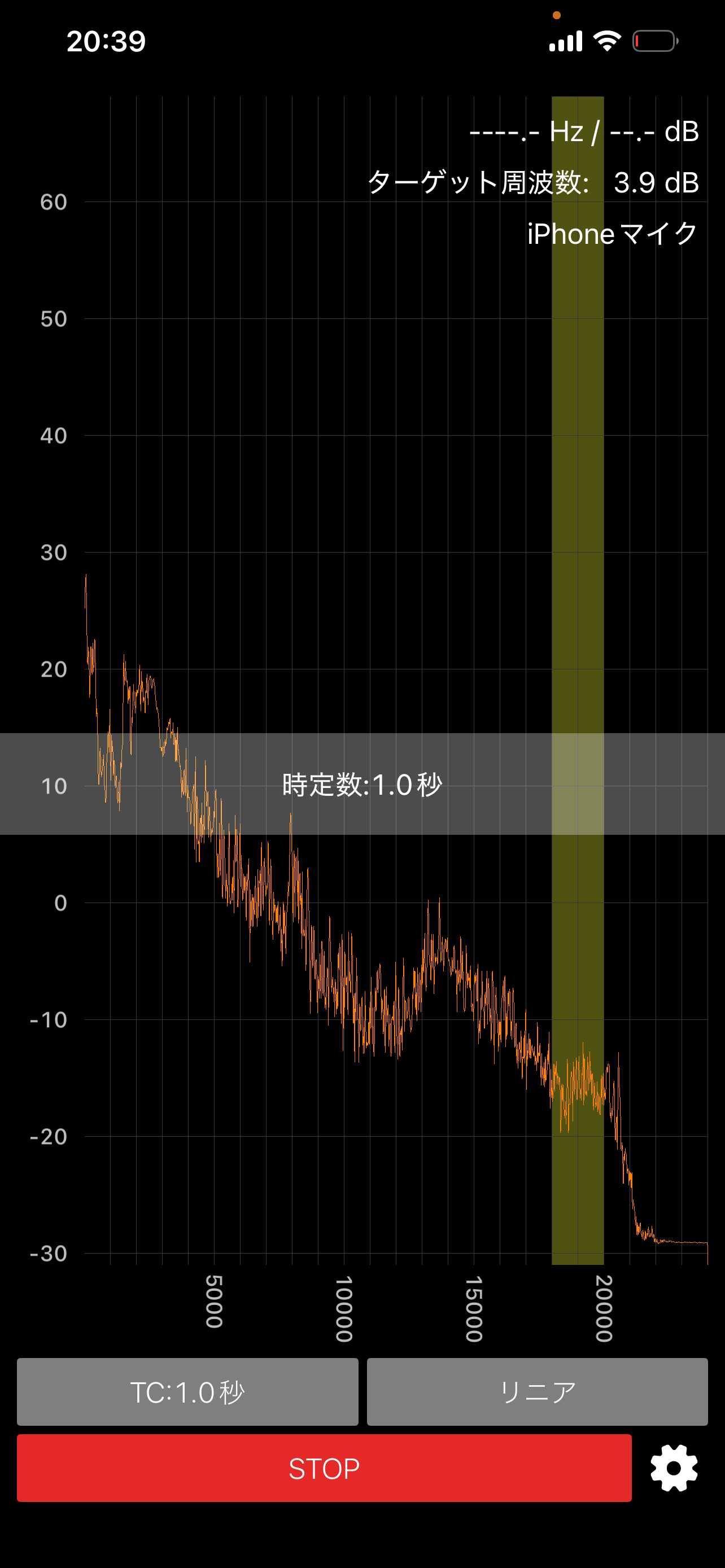
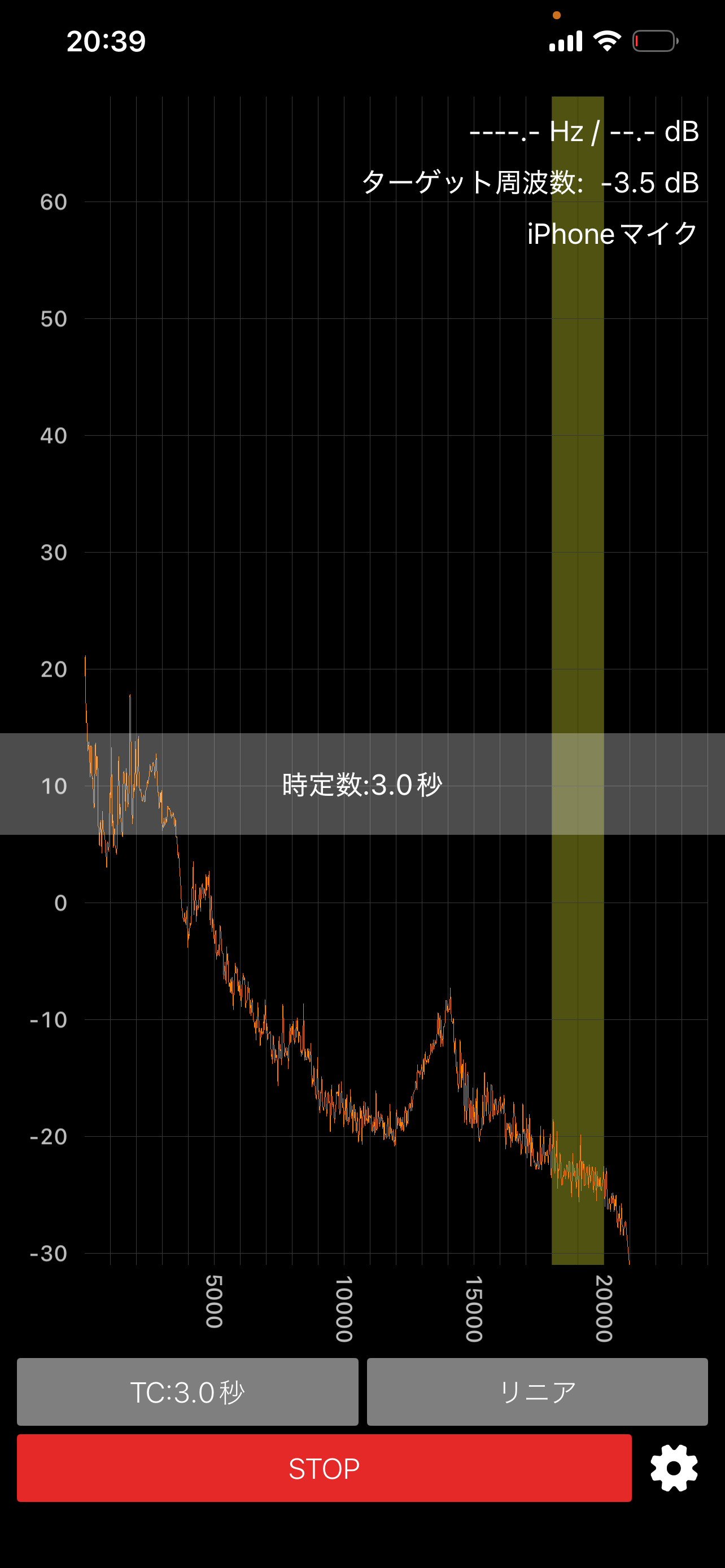
Adjusting the TC setting changes the smoothing of measurement values. Choose a setting that works best for your use case.

TC: 0.125s
TC: 0.125s
TC: 0.5s
TC: 0.5s (Recommended)
TC: 1.0s
TC: 1.0s
TC: 3.0s
TC: 3.0s
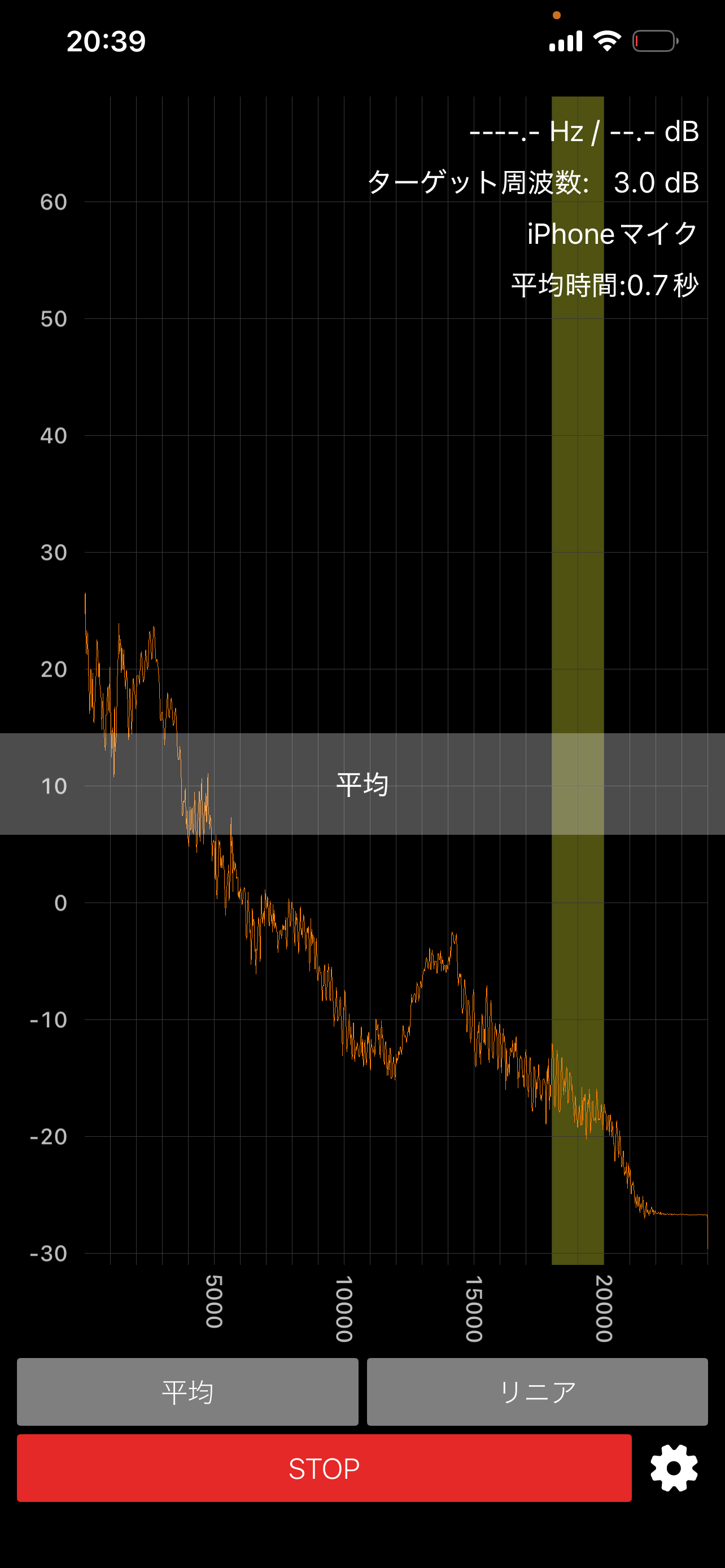
Averaging
Averaging

Settings

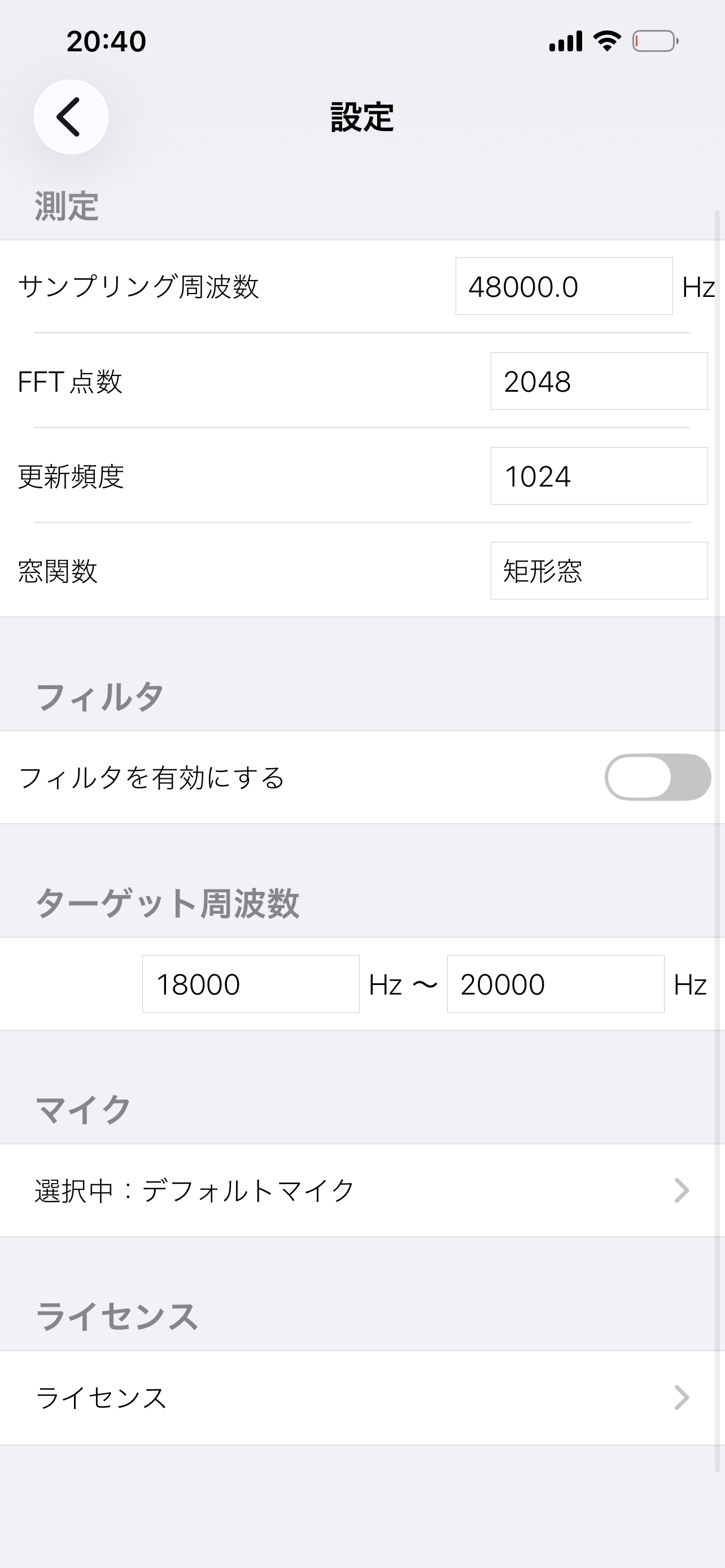
Settings

  • Sampling Frequency — Affects the frequency resolution
  • FFT Points — Determines frequency resolution (512–32768)
  • Update Frequency — Sets the display refresh rate
  • Window Function — Rectangular or Hann window
  • Filter — Enable/disable band-pass filter
  • Target Frequency — Set the frequency band of interest (e.g., 18000–20000Hz)

Microphone Settings

Microphone List

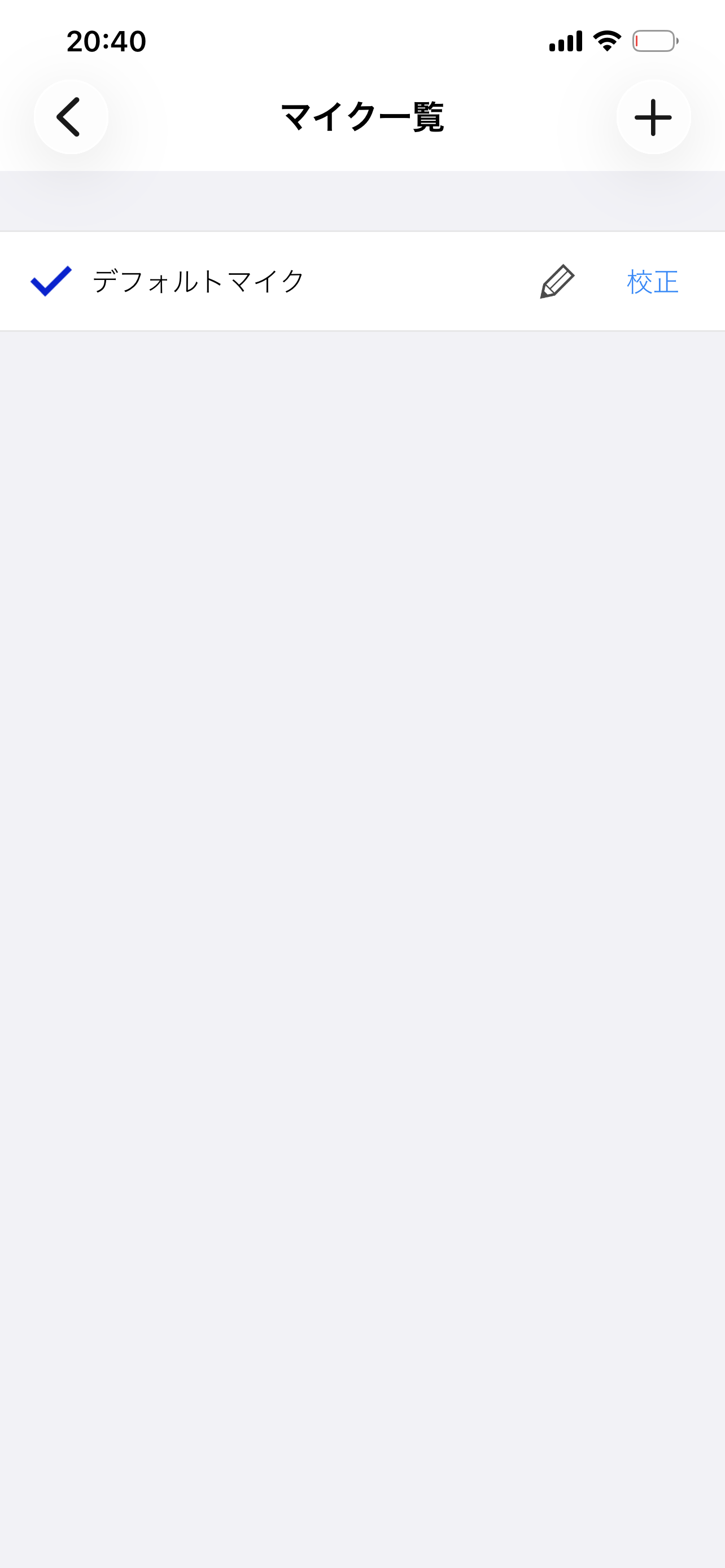
Microphone List

Select and configure microphones for measurement.

Microphone Calibration

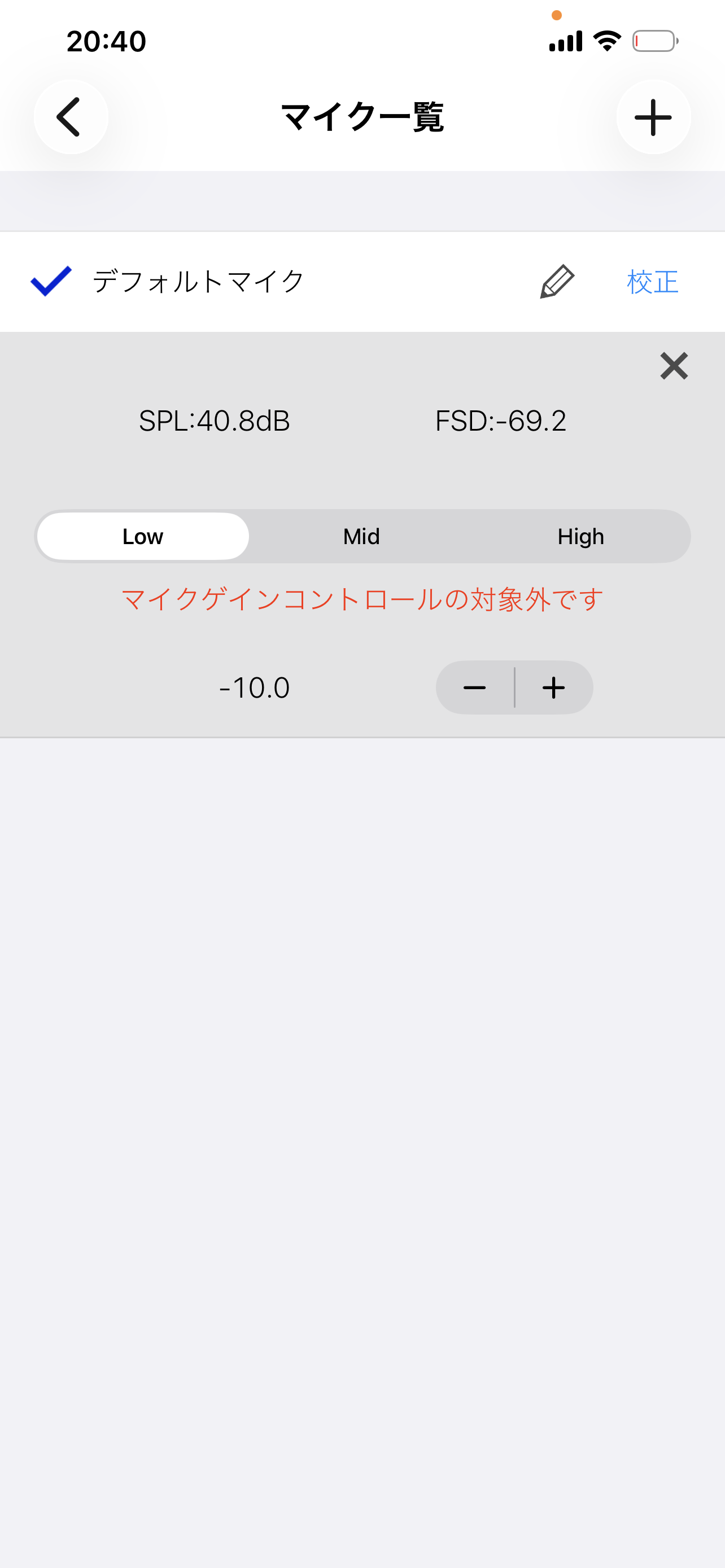
Microphone Calibration

The calibration screen shows SPL and FSD values. Adjust the gain (Low/Mid/High) and fine-tune for accurate readings. Calibration is performed using a pistonphone (1kHz, 94dB).

← Back to Products